
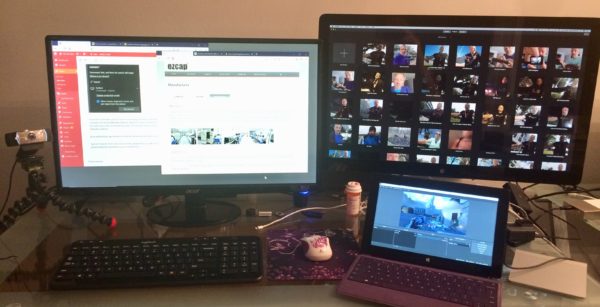
Windows 10 is full of surprises – one of which is its built-in capability to extend a monitor onto a second Windows device via WiFi. It’s called Windows Screen Projection I believe, a technology that also allows us to use remote displays like projectors without using any wires.
It’s basically like Apple’s AirPlay technology, or Avatron’s Air-Display, which works from Windows or macOS to an iOS device, or Duet Display, which works with a wired connection to an iOS device – except that it’s built right into Windows 10.
Here’s how to set it up.
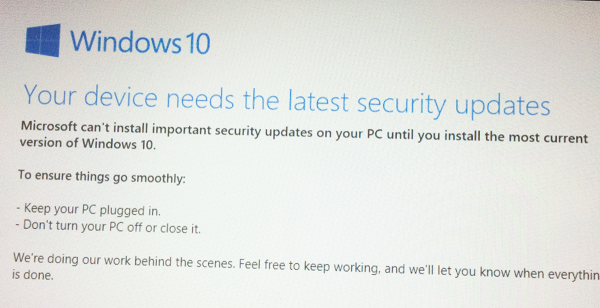 My first generation Surface Pro only has 64GB of space, roughly 20 of which I’m allowed to use (the rest of it is kind of forever “lost in cyberspace” – or so it seems). It’s been running all Windows 10 updates fine until a few months ago, when Windows kept bugging me that the latest security patches needed to be installed.